Intake teams
Find what slows your team down.
Lexidesk answers every call. Your AI Intake Auditor reviews them all. See why leads hesitate and where you lose clients, with clear answers in seconds in your AI assistant.
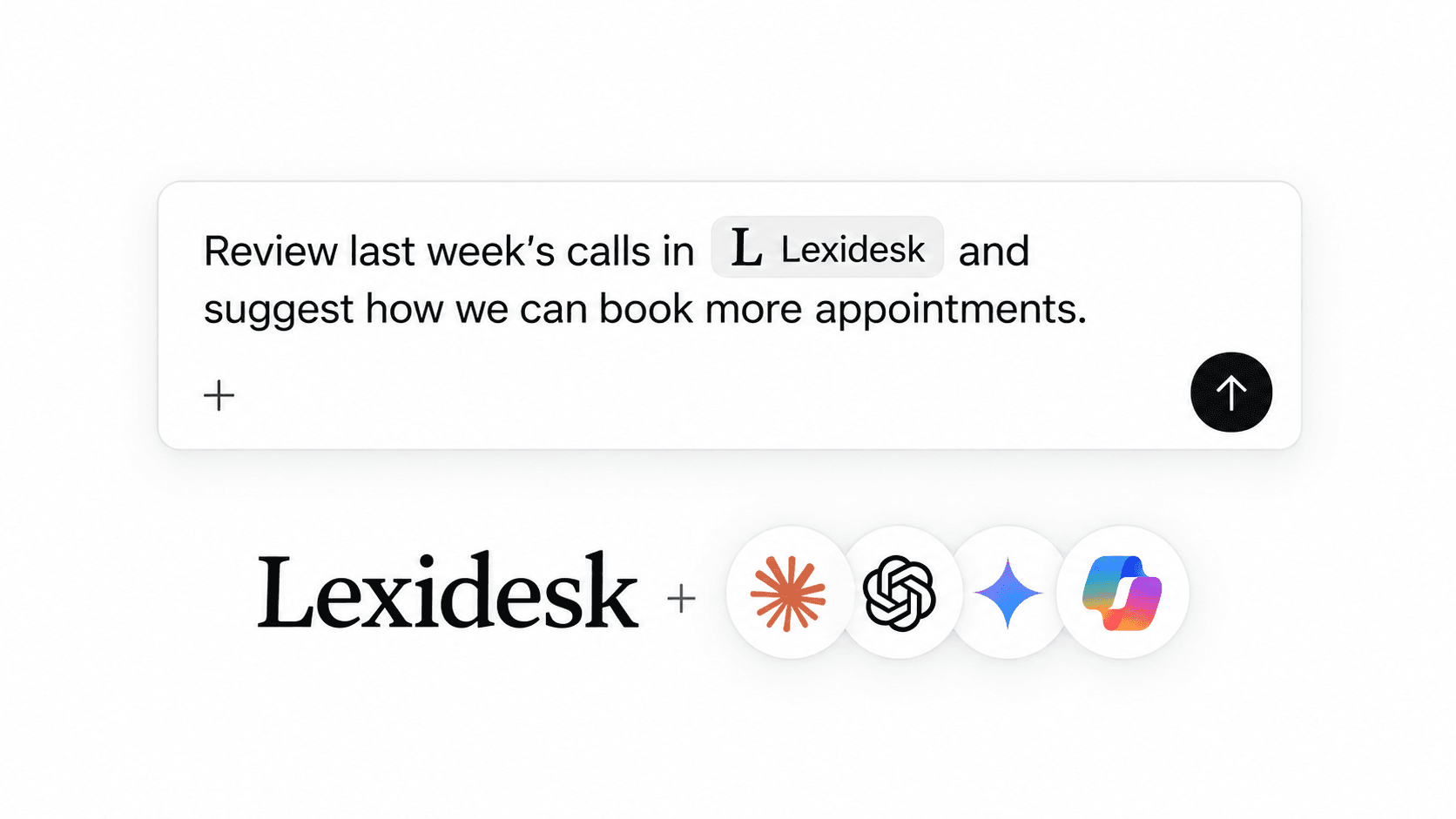
Go from raw call recordings to a structured understanding of what your clients want.
Find the objections, the unanswered questions, and the moments where conversations stall.
Refine your questions and next steps with evidence from real client conversations.
Find qualified leads with no appointment or no signed retainer. Read their concerns before you call.
Compare channels by qualified leads and booked appointments. Trace signed cases back to their source.
See what worked, what needs attention, and what to change next.
Choose the questions, dates, and measures that matter to your firm.
Find what slows your team down.
See where you lose clients.
Spend on the channels that bring qualified leads.
Bring real client conversations into your advice.
Explore our partner program“In 20 years of practicing, I have never been so excited to implement a piece of software as I am with Lexidesk.”
 Billie TarascioFounder & Managing Attorney, Modern Law
“Lexidesk gives us far more information before we ever speak to a client, which helps us determine which leads are truly valuable and saves my team a huge amount of time.”
 Rachel L. RadoManaging Attorney, Law Offices of Rachel L. Rado, LLC
The AI Intake Auditor connects your Lexidesk intake to your AI assistant through the Lexidesk MCP. It reviews the calls and chats that Lexidesk handles. Ask about your conversations, leads, and results to find what to fix in your intake.
Yes, the AI Intake Auditor is Lexidesk conversation intelligence for legal intake. It reads your intake calls and chats together with the details that Lexidesk keeps: practice area, qualification, appointments, retainers, and marketing source. Ask your question in plain English and get the answer in your AI assistant.
Lexidesk works with Claude, ChatGPT, Gemini, Microsoft Copilot, or another compatible AI assistant. Select an assistant in the connection section for its setup steps and account requirements.
Choose your assistant in the connection section above, follow the setup steps, sign in with your Lexidesk account, and authorize the connection. Then ask your question inside your AI assistant.
It checks your Lexidesk calls and chats for recurring questions, objections, and the reasons leads hesitate. Compare intake outcomes, identify leads for follow-up, and prepare for consultations with the context of previous conversations.
Yes, ask for a report on your Lexidesk data in your own words. Choose a time period, practice area, marketing channel, or intake outcome. Ask follow-up questions to examine the results in more detail.
Yes, connect your other business tools to the same AI assistant as Lexidesk, or add your files to the conversation. Ask for a combined report across your intake, CRM, marketing, and other business data.
Yes, team members and agency partners can use the connection with their authorized Lexidesk access. Each person signs in with their own account. Contact us for help with access for your team or partner.
You authorize the connection with your Lexidesk account. Your account permissions control which firm data the assistant can access. You can disconnect Lexidesk from your AI assistant at any time.
Didn't find what you're looking for? Email us at hello@lexidesk.ai